Editable Canva Notebook Pages for KDP and Beyond
So, you’ve got a brilliant notebook idea. Maybe it’s a gratitude journal, a specialized planner for your niche audience, or a sleek notebook for your brand’s next big giveaway. The concept is solid, but the execution? That’s where most ideas stall. Designing a professional, print-ready interior from scratch is time-consuming and requires a specific set of technical skills. This is exactly why a resource like the Editable Canva Notebook Pages KDP pack exists—it’s a bridge between your vision and a polished, upload-ready product on Amazon KDP or for your own shop.
More Than Just Lines on a Page
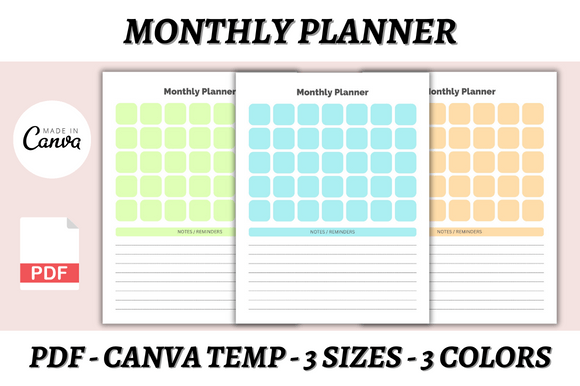
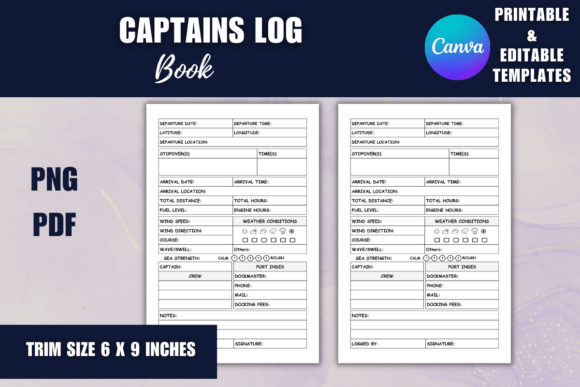
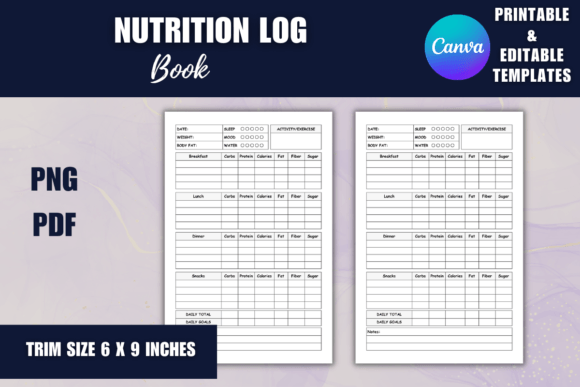
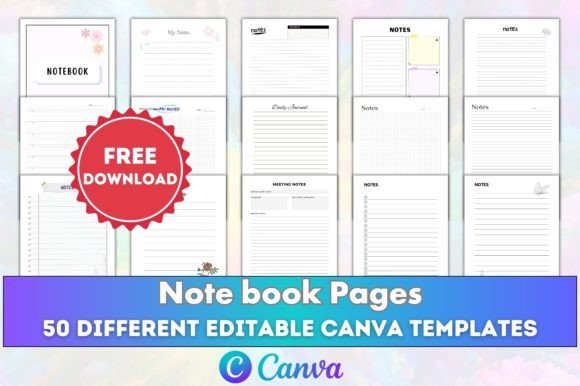
At first glance, notebook pages might seem simple. But the difference between an amateurish interior and one that feels premium comes down to the details. This collection of 50 different templates isn’t a monotonous stack of identical pages. It’s a curated set designed for versatility and visual interest. You’ll find a mix of styles—some with clean, sans serif headers and ample writing space, others with subtle decorative elements or varied line patterns. The overall personality is professional yet approachable, making it suitable for both casual use in a personal journal and professional applications like a corporate workbook or a client-facing planner.
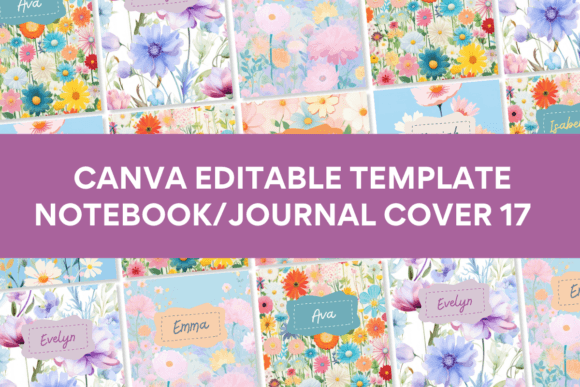
The true power lies in the editable Canva template link. This transforms the product from a static PDF into a dynamic design asset. As a designer or entrepreneur, you’re not stuck with the default look. You can tweak colors to match your brand identity, adjust fonts to better suit your audience, or reorganize elements to create a unique flow. This level of customization is crucial for building a cohesive product line or ensuring your branded notebook feels authentically yours.
Practical Applications for Creators and Businesses
The value of these KDP interior templates extends far beyond the Amazon marketplace. Think of them as foundational print design components. Here’s where they truly shine:
- For Publishers and Authors: Quickly produce companion workbooks, guided journals, or activity books to accompany your main publication. The consistent, high-quality layout ensures a professional reader experience.
- For Small Business Owners and Marketers: Create branded notebooks for team use, customer loyalty gifts, or workshop materials. The CMYK color mode and 300 DPI resolution guarantee crisp, accurate prints from any professional service.
- For Content Creators and Bloggers: Develop and sell niche planners (for meal planning, fitness tracking, project management) to your audience. The variety of 50 pages allows you to create comprehensive interiors without repetitive layouts.
- For Crafters and Hobbyists: Design personalized gifts, wedding planners, or sketchbooks with a polished look that far surpasses standard office supply offerings.
The included file formats (PDF, JPG, PNG) provide maximum flexibility. Use the PDF files for direct upload to KDP or a print-on-demand service. The image files are perfect for creating mockups, promotional graphics for social media, or integrating specific pages into digital products.
Choosing and Customizing for Your Project
Not every template will be the perfect fit for every project, and that’s by design. The key is to select the layouts that serve your specific goals. A daily planner for a productivity coach will demand different structure than a free-form sketchbook for an artist. Start by reviewing all 50 templates. Identify which ones have the right balance of guided sections and open space for your audience.
When you open the Canva link, consider these practical steps:
- Evaluate Typography: The fonts used in the templates are chosen for clarity. However, you can easily swap them. For a more modern, minimalist feel, stick with clean sans serif fonts. For a classic, literary journal, a subtle serif font might work better. Ensure any new font you choose is legible at print size.
- Test Your Branding: Upload your brand’s color palette and logo. Apply them to headers, footers, or accent elements. This simple step instantly transforms a generic template into a piece of your brand’s ecosystem.
- Check Hierarchy and Flow: Look at how the pages are sequenced in the pack. You can rearrange them in Canva to create a logical progression for your user—perhaps starting with a goal-setting page, followed by weekly planners, and ending with notes sections.
- Proofread and Test Print: Always, always proofread any text you add. Then, print a single test page. Check that margins are correct, that the no bleed specification works for your printer, and that the line darkness is comfortable for writing.
Remember, the goal isn’t to overhaul every page, but to make strategic edits that align the interior with your project’s purpose and your audience’s expectations. The hard work of creating a print-ready, technically sound foundation is already done for you. Your expertise is best used in the customization and strategic application of these notebook pages.
A Note on Quality and Final Output
The specifications listed—8.5 x 11 inches, 300 DPI, CMYK, no bleed—are the industry standard for professional printing. This isn’t just a collection of nice-looking designs; it’s a technically vetted product. The fact that the templates have been tested on Amazon KDP removes a significant layer of anxiety from the upload process. You can proceed with confidence, knowing the files meet the platform’s strict requirements.
Ultimately, this pack of Editable Canva Notebook Pages is a toolkit for efficiency and professionalism. It allows you to focus on your core idea—whether that’s writing content, serving clients, or building a product line—while providing the robust, customizable design infrastructure to present it beautifully to the world.